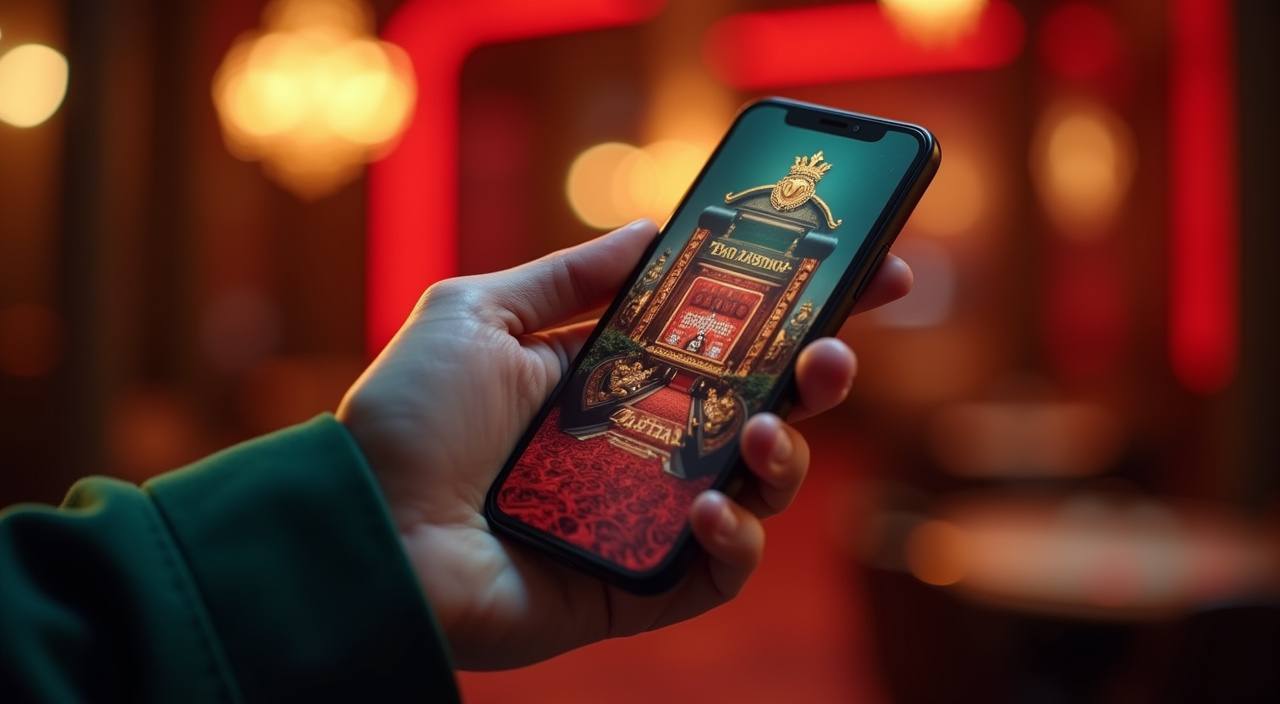
The otelobet mobile experience runs directly through your phone browser — no installation required to browse Live Baccarat Prestige, Aviator Fast Round, or the slots lobby. Open otelobet on any modern mobile browser and your account, wallet, and game rooms load in the same session. Access depends on local law and is available where local law permits in Indonesia.
Before you start a session on mobile, run through four quick checks to keep your account secure. Always confirm you are on the correct domain — otelobet — and look for the padlock icon in your browser address bar. If you ever need to recover access, use only the recovery path shown on the login page; do not share credentials with anyone claiming to represent support outside of official channels. These steps cost thirty seconds and protect every session you open.
Verify the Domain
Check that your browser shows otelobet before entering credentials. Bookmark the address after your first confirmed visit so you always return to the right page without retyping it.
Secure Your Login
Use a strong, unique password for your otelobet account. The login page shows the fields and steps required. Never enter your password on a page that does not match the verified domain.
Use Published Recovery Steps
If you lose access, follow the account recovery path shown on the login page only. The steps and required fields are listed there — do not rely on third-party instructions or unofficial links.
Check Device Guidance
The help section inside your account lists device and browser recommendations we keep updated. Review that page if you notice layout issues or a game room is not loading as expected.
APP HELP PATHS
Getting Help With Mobile Access
If something is not loading correctly on mobile — a game room, your wallet balance, or the account menu — our support team can walk you through it. We offer chat support directly from the site, an email route for detailed questions, and a published install or access guide inside your account dashboard. Reach out through whichever channel fits the urgency of your question, and have your account details ready so the team can verify and assist quickly.
Live Chat Support
Start a chat from the support icon on otelobet. This route connects you with the team in real time and works well for quick browser or layout questions on your current device.
Email Support
For detailed questions about account access, browser compatibility, or a session issue on mobile, use the email address listed on our contact page. Include your account username and the browser version you are using.
Access Guide
The access and device guide is available inside your account dashboard after login. It covers browser settings, screen layout tips, and steps for common mobile issues — updated whenever we change the site layout.
DEVICE COMPATIBILITY CHECK
Which Devices Work With otelobet
The otelobet site is built to run in any current mobile browser without a separate download. If your browser handles standard web pages without issues, it will handle the lobby. The account page in your dashboard lists currently supported browsers and screen sizes — check there for the most current information rather than relying on a static list here. A few things worth knowing before you start a session on a new device.
Browser Requirement
Any modern browser — Chrome, Firefox, Safari — that supports current web standards will render the lobby and game rooms correctly. Keep your browser updated for the smoothest experience.
Screen Layout
The lobby reflows for portrait and landscape orientations on phone and tablet screens. Game rooms like Live Blackjack Royal and Fortune Fishing Game adapt to the available screen width automatically.
Account Requirements
You need a verified otelobet account to access game rooms and your wallet on mobile. Account creation and verification steps are shown on the registration page — follow the fields displayed there.
Currently Supported Devices
The definitive list of supported browsers and device types is in your account dashboard under device settings. We update that page when compatibility changes rather than keeping a fixed version list here.
Eligibility Check
Mobile access is available where local law in Indonesia permits. Check the site's eligibility notice if you are unsure whether access is currently available in your region.
GETTING STARTED STEPS
Mobile Access in 3 Steps
Getting into the otelobet lobby on mobile does not require downloading anything from an app store. Open your phone browser, go to otelobet, and the site loads directly. From there you log in with your account credentials and land on the same lobby you would see on desktop — live tables, slots, and the sports section all in one place. If this is your first time, the account creation form is on that same page. Complete the fields shown, verify through the steps presented, and your account is ready. The wallet section where OVO, GoPay, and DANA transactions appear is accessible from the account menu once you are logged in.
Open the Site
Type otelobet into your mobile browser address bar or tap your saved bookmark. Confirm the domain in the address bar before entering any details.
Check Browser Compatibility
If the page loads without layout errors, your browser is compatible. For any display issues, the device guide in your account dashboard lists supported browser versions and settings to check.
Sign In Securely
Enter your account credentials on the login screen. Use the recovery path shown on that page if you need to reset access — do not use any external link claiming to be the recovery page.
Access Your Lobby
After login, the full lobby is available: live casino rooms, slots including Aviator Fast Round, sports betting, and your wallet showing current OVO, GoPay, or DANA transaction history.
MOBILE EXPERIENCE FEATURES
What the Mobile Site Delivers
The mobile version of otelobet is the same site rendered for a smaller screen — not a cut-down version. The navigation adapts so the lobby sections, account menu, and support links stay reachable with one thumb. Game rooms like Gaple Online Room and Live Baccarat Prestige run in the browser window at the same quality as desktop. Your account wallet, where OVO, GoPay, and DANA transactions are recorded, is one tap from the top menu. The session stays active while you move between sections, so switching from the slots lobby to check a live table does not require you to log in again.
Responsive Lobby Navigation
The lobby sections — live casino, slots, sports betting — reflow into a vertical stack on phone screens. Tap any category to open it; the back button returns you to the full lobby without a reload.
Account Menu Access
Your account dashboard, wallet history, and support link are in the top menu on every page. OVO, GoPay, and DANA transaction records are visible there after each deposit or withdrawal is processed.
Game Rooms in Browser
Live dealer tables and slot rooms including Fortune Fishing Game open inside the same browser tab. No separate app window or plugin is needed — the game renders in the page.
Session Persistence
Your login session stays active as you move between the lobby, a game room, and the wallet section. The site does not log you out between sections during a single browser session.
INSIDE THE MOBILE SITE
How Navigation Works on Mobile
On otelobet, the mobile layout organises the lobby into clear sections you can scroll through without hunting for a menu. Live casino rooms — including Live Baccarat Prestige and Live Blackjack Royal — sit in one category row. Slots and crash games like Aviator Fast Round are in another. The sports section, where football betting including Liga 1 markets is available, is one tap from the lobby header. Your account route is the person icon at the top right: tap it to reach wallet history, account settings, and the support link. Help pages and the device access guide are accessible from the account menu without needing to leave the session. Every route on the desktop version of the site is also reachable on mobile — the layout adapts, but nothing is removed.
COMMON APP QUESTIONS
otelobet App: Frequently Asked Questions
Answers to the questions we hear most from Indonesia players about accessing otelobet on mobile devices.
Does otelobet have a native app I can download from Google Play or the App Store?
Whether a native app build is currently available for download is shown on the otelobet site under the mobile or download section. Check there for the current status. The browser-based site works on any modern phone without a separate download.
Can I access my OVO, GoPay, or DANA wallet through the mobile site?
Yes. After logging in on mobile, your account wallet shows the payment options configured for your account, including OVO, GoPay, and DANA where available. Transaction records appear in the wallet section after each completed transaction. Availability depends on local law and eligible regions.
Which mobile browsers work with otelobet?
Any current version of Chrome, Safari, or Firefox on Android or iOS handles the lobby and game rooms without issues. For the definitive list, check the device guide in your account dashboard — we update it when browser support changes rather than keeping a fixed list on a public page.
What should I do if a game room is not loading on my phone?
First, confirm you are on otelobet and your browser is current. If the issue continues, check the device guide in your account dashboard for browser settings that affect game loading. You can also start a live chat from the support icon on the site for direct assistance.
Is the mobile site the same as the desktop version?
The content is the same — live tables, slots, sports betting, and your account wallet are all there. The layout reflows for a smaller screen so navigation stays within thumb reach. No features are removed; the presentation adapts to the screen size.
How do I recover my account if I cannot log in on mobile?
Use the account recovery path shown on the otelobet login page. The steps and required fields are listed there. Do not follow recovery links from third-party messages or external sites — only the path on the official domain is the correct one.
 Mobile / App